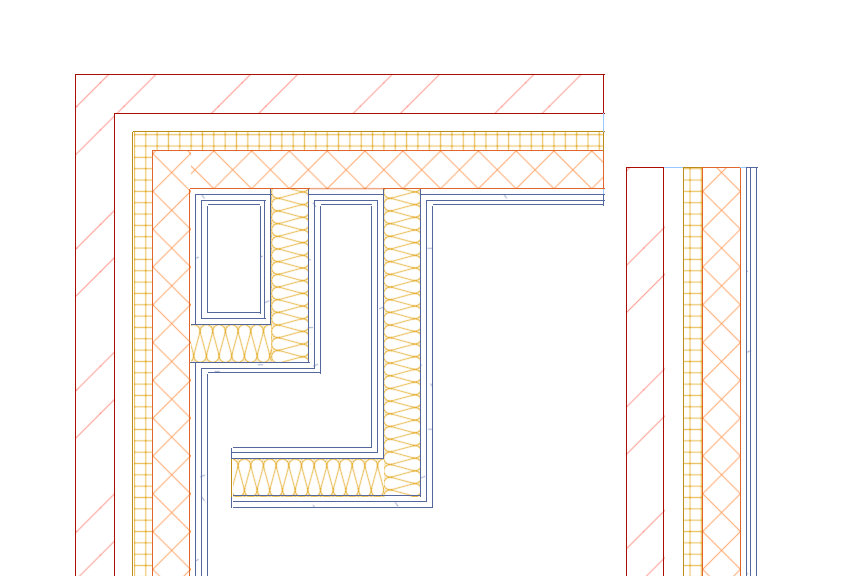
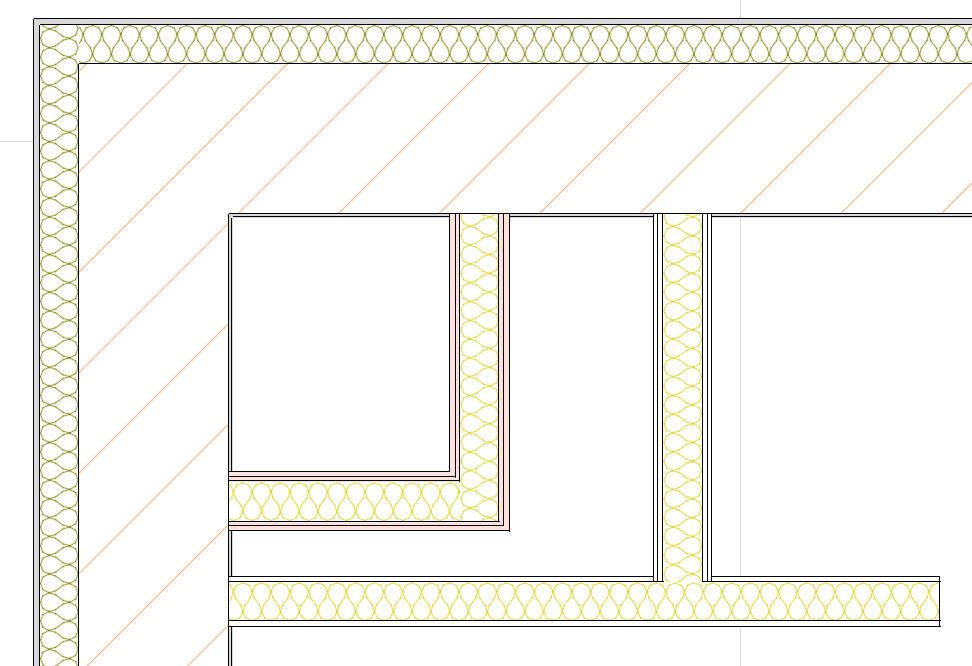
Can we modify/upgrade to display the hatch of the wall in the floor plan or details, to display different hatches according to the materials/components? And also to be able to change the lines weight, colour that separate the layers of materials.
2 Likes
Hatches by material are already there: each layer of a wall is hatched with its material’s hatch (Manage → Materials → 2D graphics), with its own pattern, scale, angle, pen and fill, in plans, sections, details and on sheets. The lines between layers are drawn in a thin pen of their own, but you can’t change their weight or colour from the interface yet. We’ll add that as a setting in Visibility / Graphics and the object styles, and tell you when it’s in a build.
Pot face și modificar
2 Likes
This are some types of representation for walls and layers that can be made in other apps, in time we can try to be able to do that also.
Thank you.
I don’t know what I am doing wrong, but I cannot see the wall layers, only the core, what I was doing wrong?
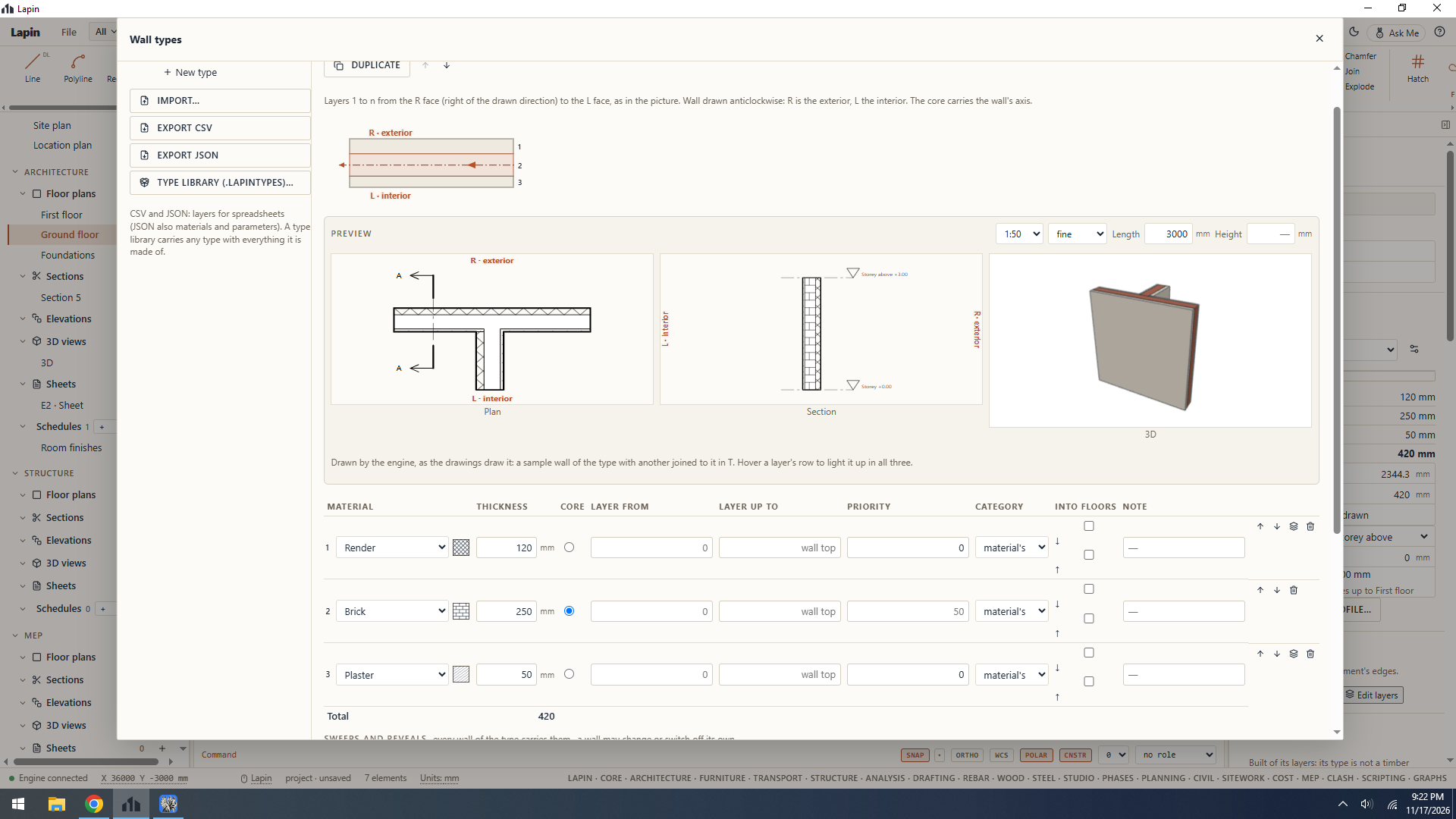
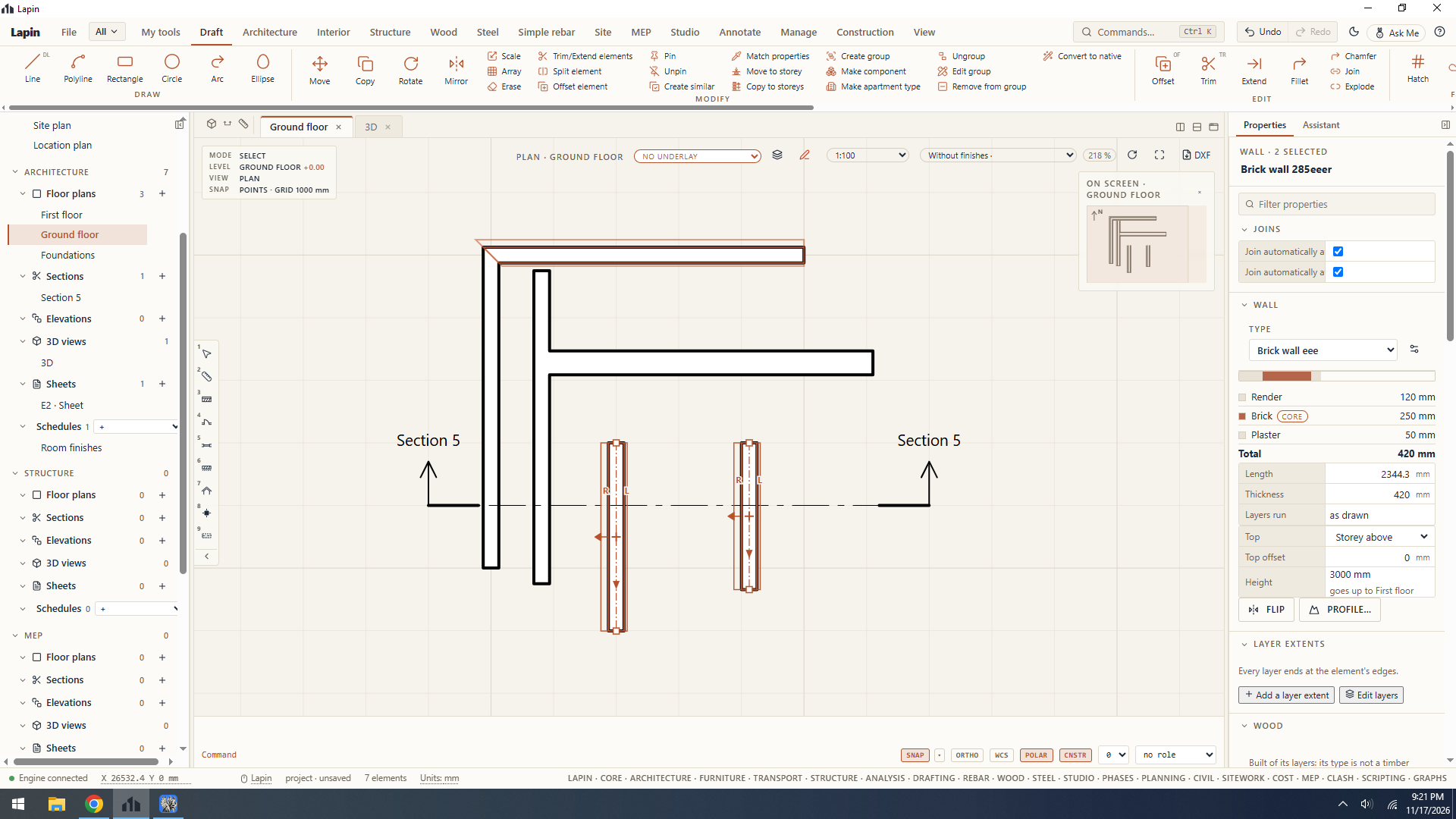
in the wall menu I could see the wall layers in the preview.
Check this setting when you have nothing selected on the plan, so you can see the current view’s (current floor’s plan in this case) properties. Go to Visibility/Graphics and check whether you have Cut Hatch set as a solid.
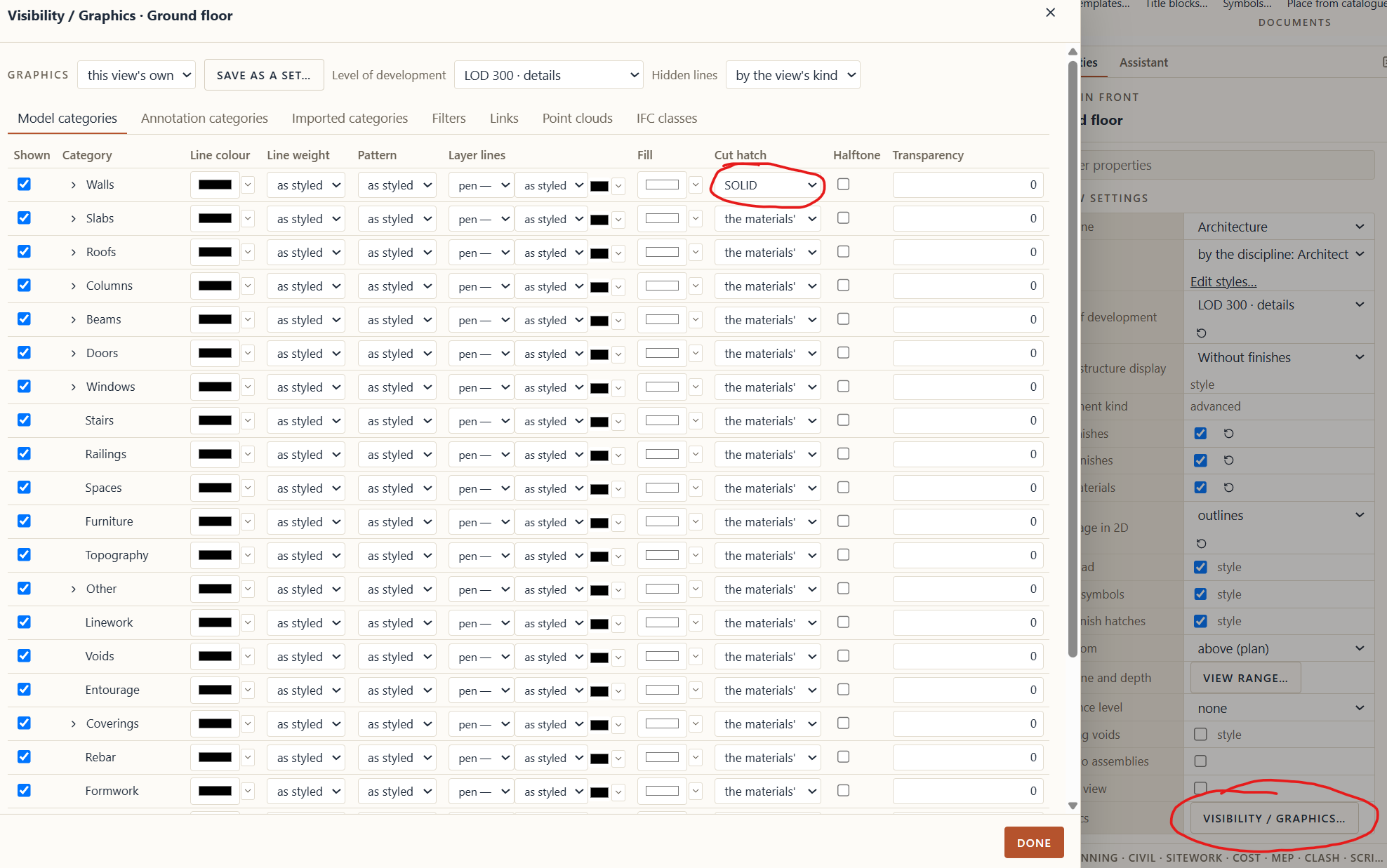
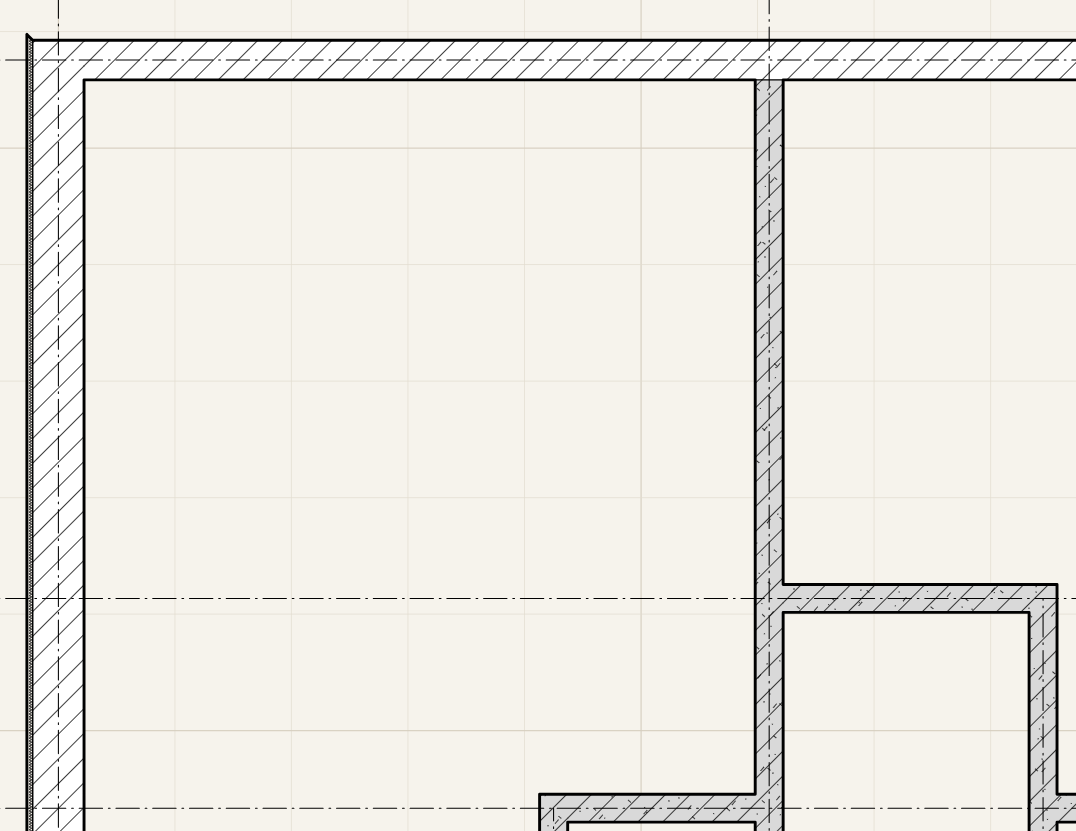
I’ve you’ve set colors for your walls like this:
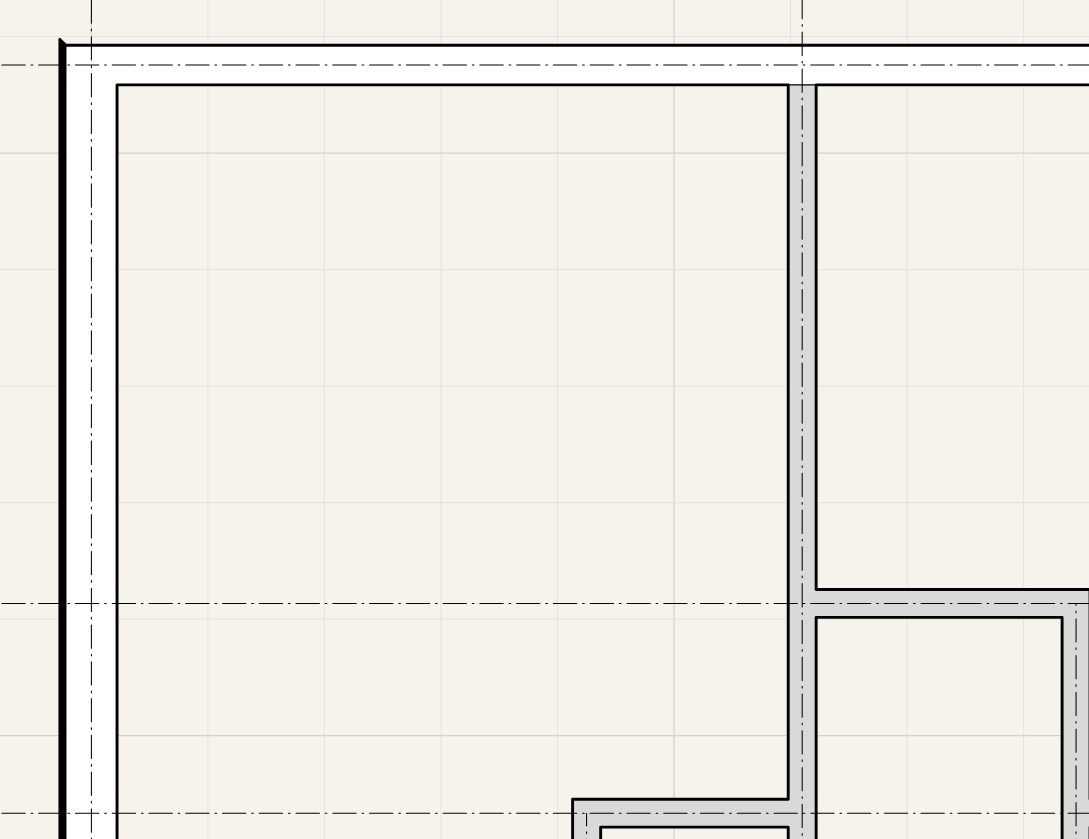
And set that option to SOLID, they will look like this:
Visibility settings override properties of your materials and objects.
2 Likes