**The idea:
**
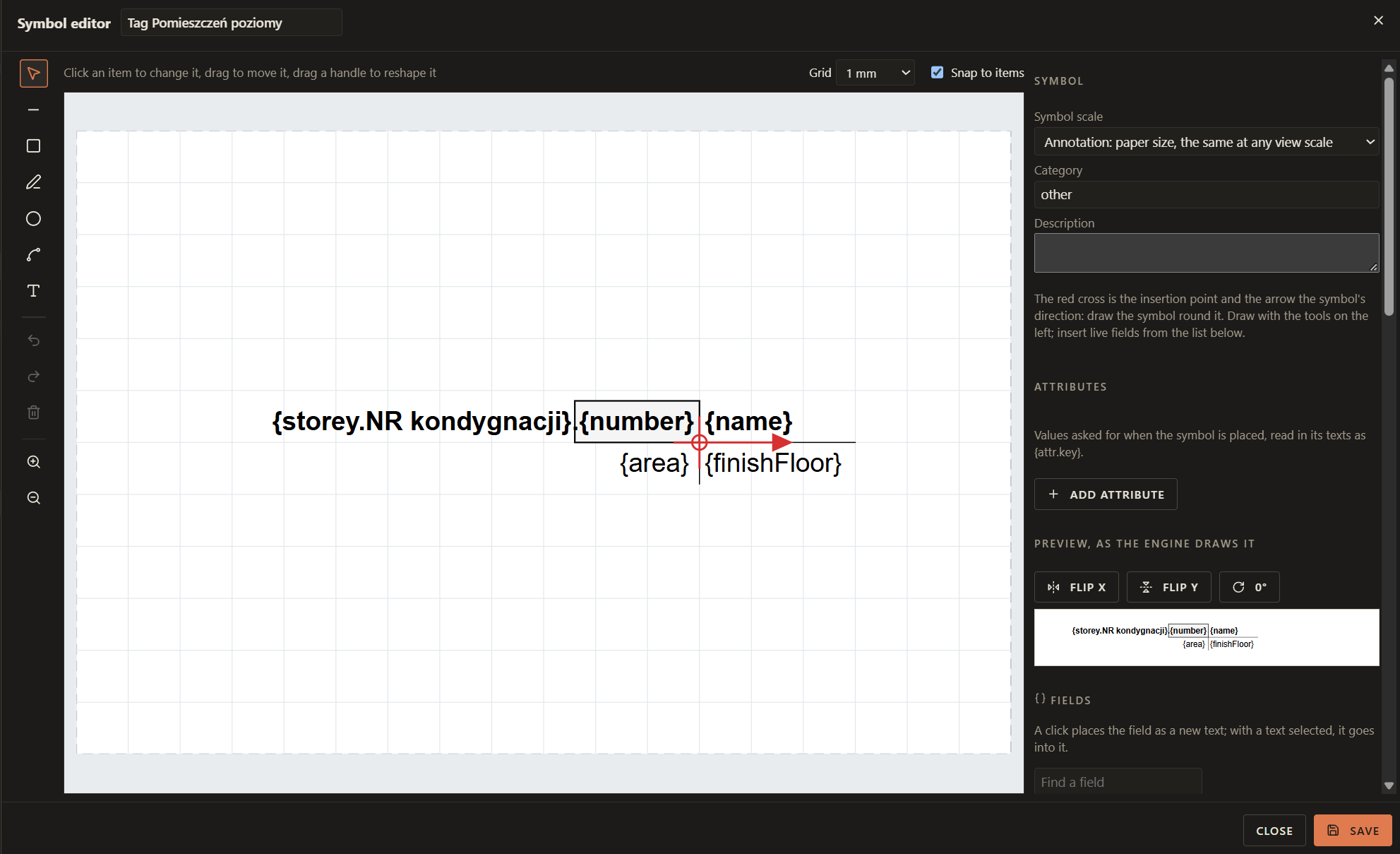
I love that we have symbols now. I would like to share some more ideas how to improve them further:
-
Zoom in/out should work as in 2d plane views. Mouse wheel up/down, doubleclick MMB to bring all back to view, and it shouldn’t autozoom in/out by itself.
-
Add layers functionality so we can draw/write on layers
-
Add opacity functionality to layers. The input area should accept a number (between 0 and 100), fields, as well as a function (so we can write formulas there) or an attribute
-
Add visible/invisible functionality to layers. The input area should accept a number (between 0 and 100), fields, as well as a function (so we can write formulas there) or an attribute
-
Allow us to group layers into folders, similar to how it works in Photoshop. The input area should accept a boolean, fields, as well as a function (so we can write formulas there) or an attribute. Visibility of a folder overrides the visibility setting of its contents
-
Give the whole symbols editor any useful 2d tools that are already there in the draft and annotate tab, that can be useful for creating symbols, as well as constraints just like in Studio tab but for 2d.
-
Ability to add “buttons” to the symbols visible from the 2d views of plans (they do not print obviously), that will let us control the symbols, and clicking them will set linked parameters to a set value or run a function, and allow us also for example to rotate, mirror the symbol with premade functions.
-
Allow us to create tables from Table Editor (another suggestion of mine) here
How it would help my work: Give much more flexibility in terms of how we can utilize the symbols.