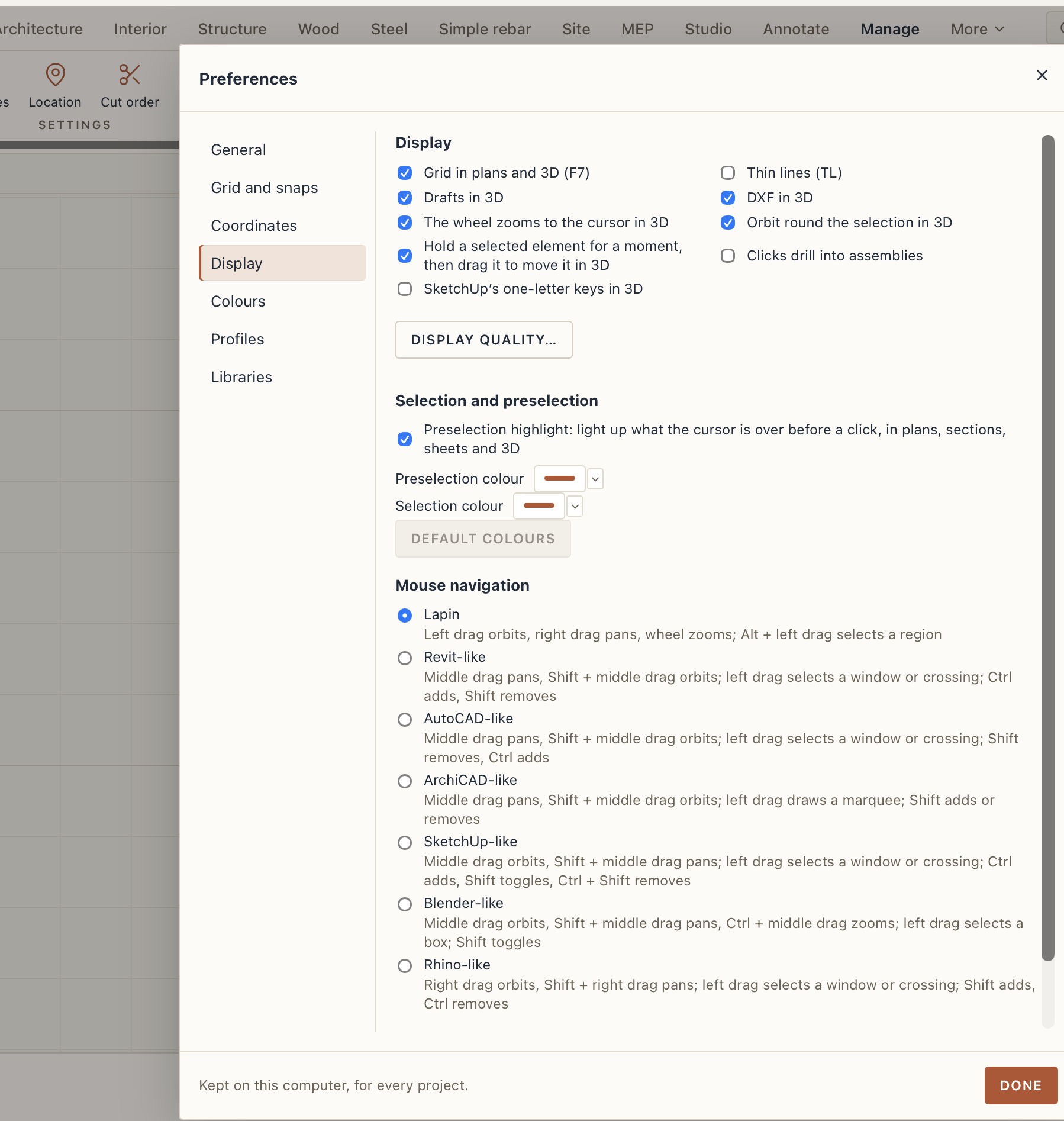
How does one change preferences? I see I can search for it in the “commands” prompt Ctrl-K and it is also available in the last option of the “snap settings”
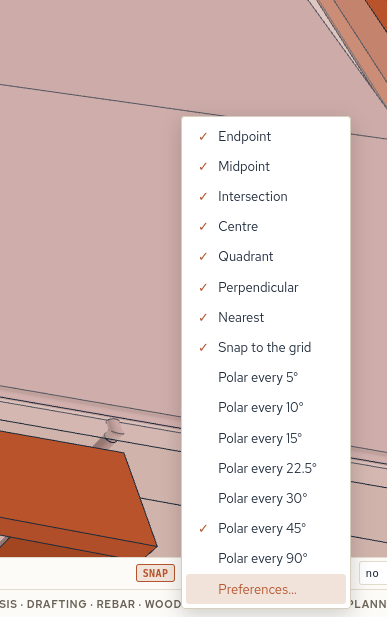
Should it not be also somewhere in the main file or Lapin menu?
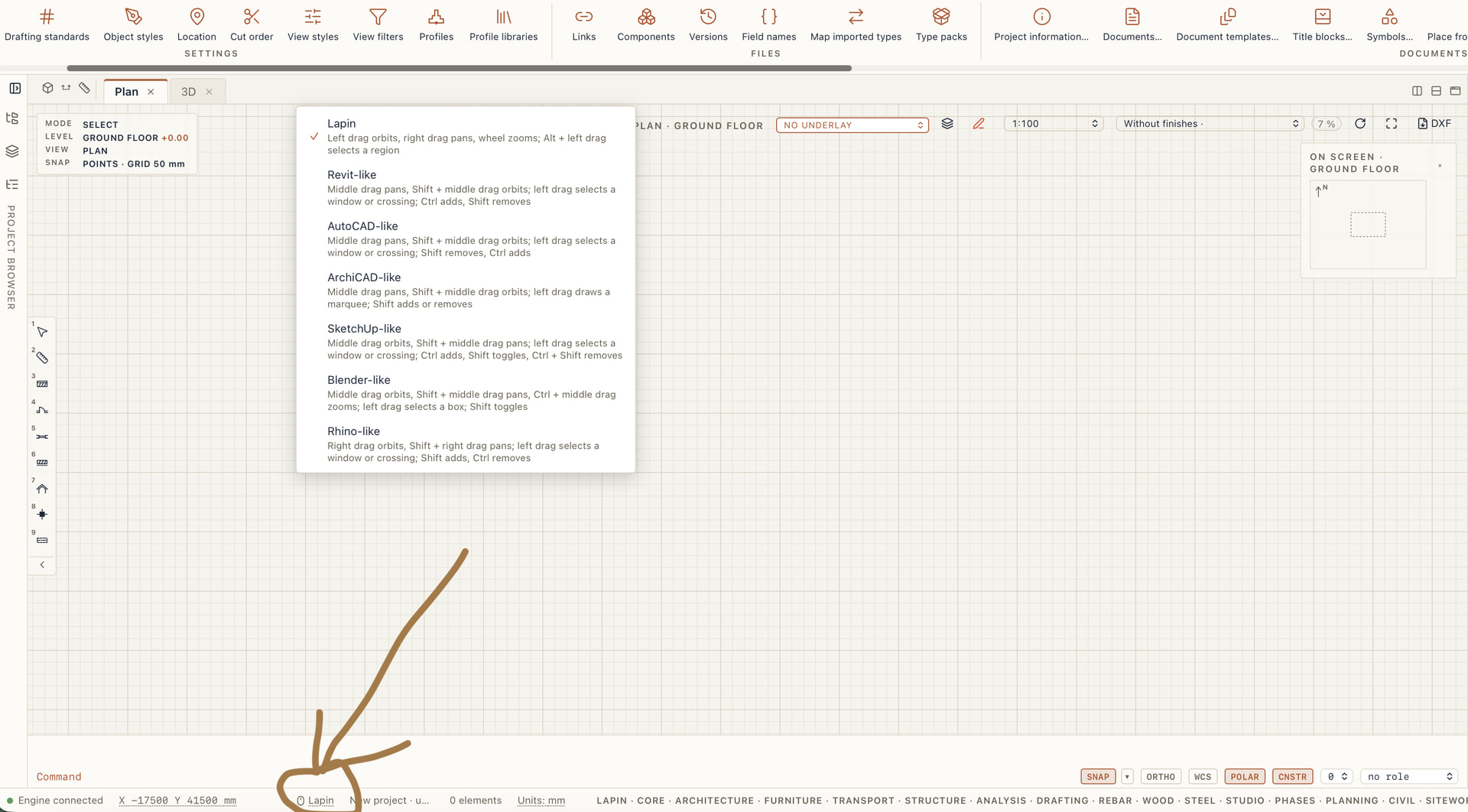
By the way in version 0.1.889 for the interface it was announced Mouse navigation styles: Lapin, Revit-like, AutoCAD-like, ArchiCAD-like, SketchUp-like, Blender-like and Rhino-like.
Where does one select it? Is it in preferences?
Thanks!