The idea: As in the title, CTRL+click on dimension grip continues dimension line. Just like we can split the dimension in half by ctrl+clicking in the middle, continuing would be very useful.
As well as quick removing a dimension point by ALT+Clicking on the grip.
Following my RMB context menu feedback, here it’d be nice to have the “split into single dimensions” option there and a new one, when selecting multiple dimensions, “join selected dimensions” and “align selected dimensions”
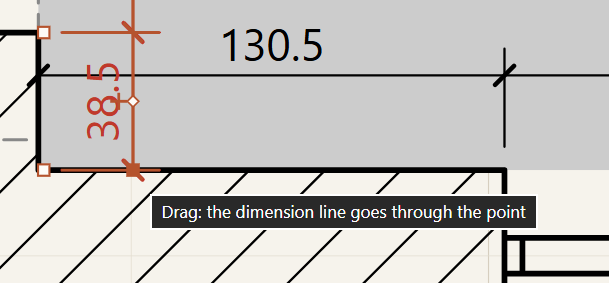
How it would help my work: QoL
How I do it today: By pressing on the DL and choosing Add/remove point from the properties