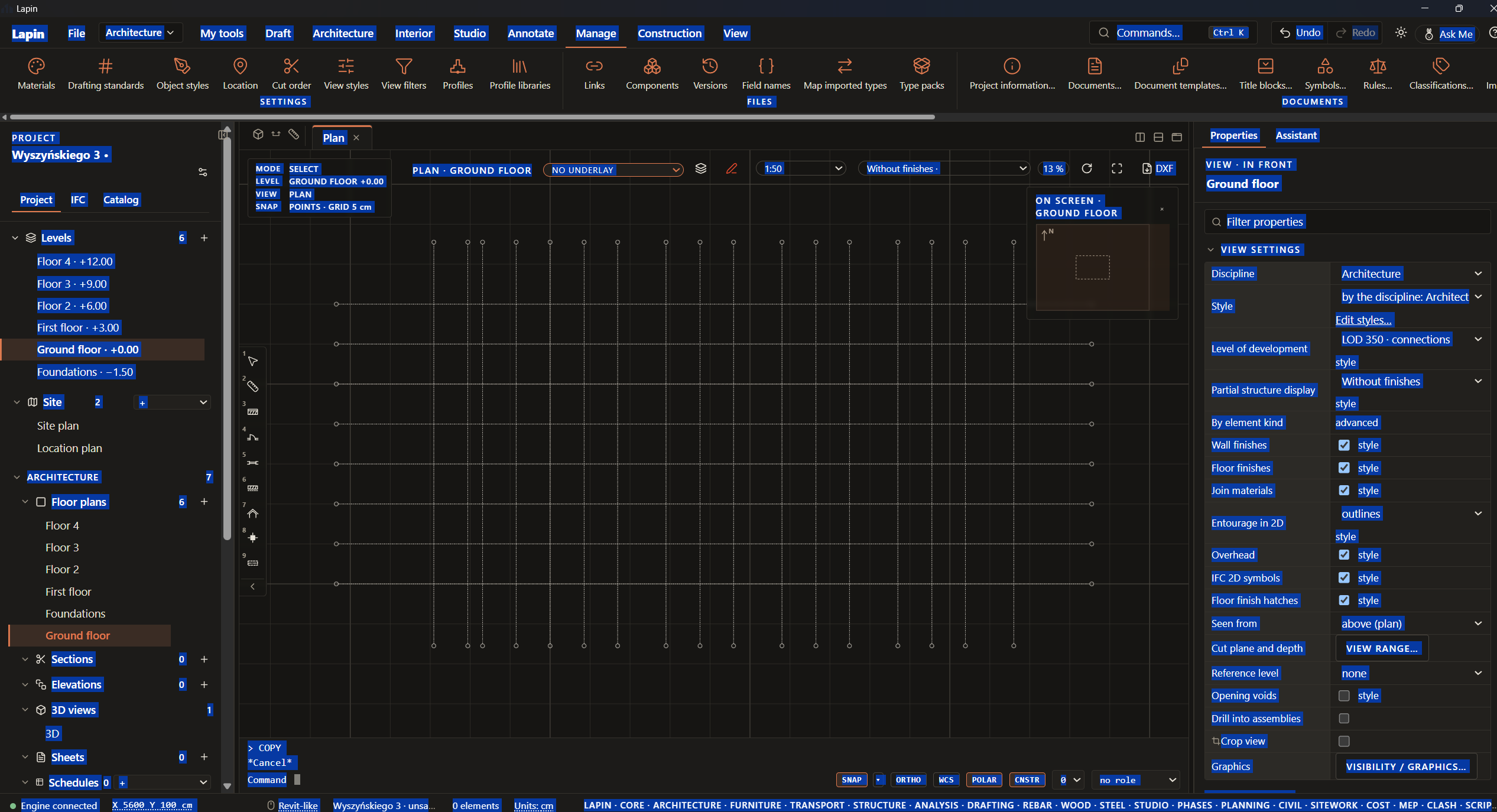
What happened: CTRL+A highlights all of the app’s text instead of selecting all objects in view.
What I expected: To select objects in view
Steps to reproduce:
- Press Ctrl+A
Lapin version and system: Lapin 0.1.1174, PC
Screenshot or file:
What happened: CTRL+A highlights all of the app’s text instead of selecting all objects in view.
What I expected: To select objects in view
Steps to reproduce:
Lapin version and system: Lapin 0.1.1174, PC
Screenshot or file:
This is an automated reply, approved by Ionut.
Thanks for the report! Fixed for the next release: Ctrl+A (Select all) now selects everything the view in front shows. In a plan, section, elevation or drawing view that is all a selection window over the whole view would take; in 3D, the elements shown (not those hidden or put away with Hide / Isolate). In a text field it still selects the field’s text.