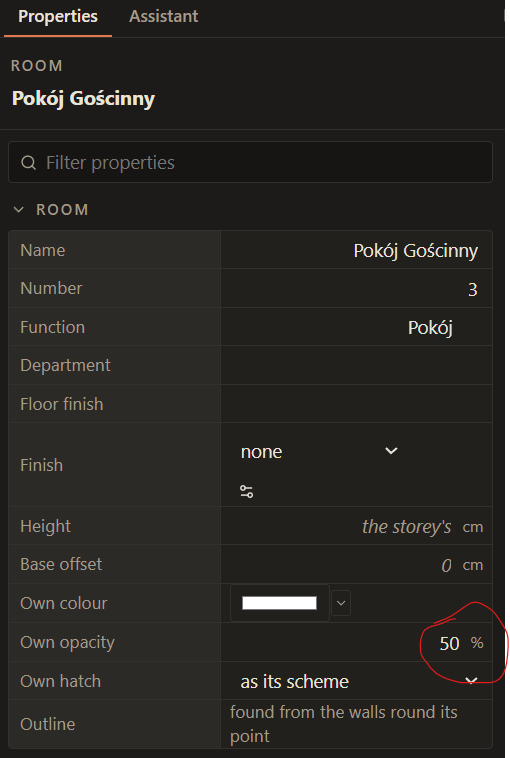
What happened: Even if you delete the number from Own Opacity box in Room properties, it does not go back to “as its scheme”, it reverts to the number it just was.
What I expected: Deleting the contents of the cell should revert it to the default “as its scheme”
Steps to reproduce:
- Set a Room Color opacity
- Try to delete it
Lapin version and system: Lapin 0.1.1174, PC
Screenshot or file: