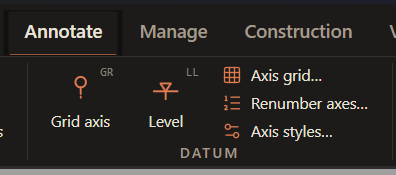
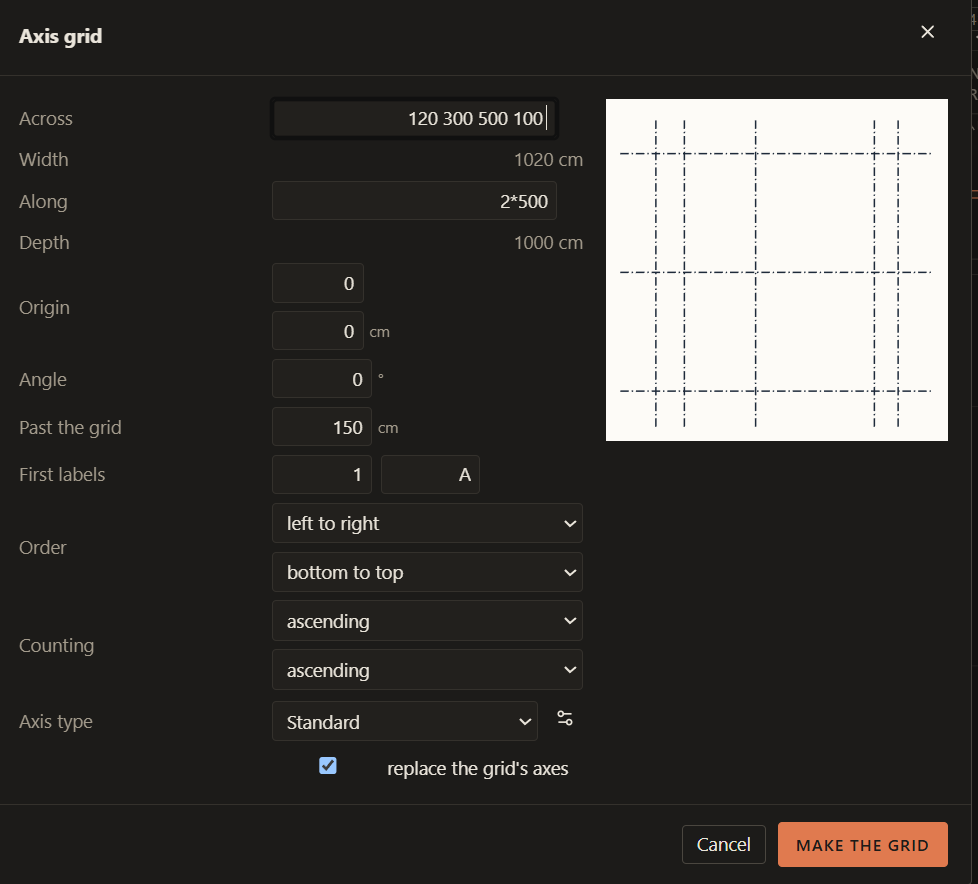
How I do it today: (in Lapin or another program)I Revit I have to manually create grids and levels one by one. In Tekla and Robot I can create multiple grids by specificying each span individually.
However, I’d like to ask here (to avoid making another thread) for 2 more functionalities.
Allow us to input both at the same time, multiple of spans and singular spans with spaces in between them. So for example “100 2*300 200”, as of right now it returns an error, but could be very useful
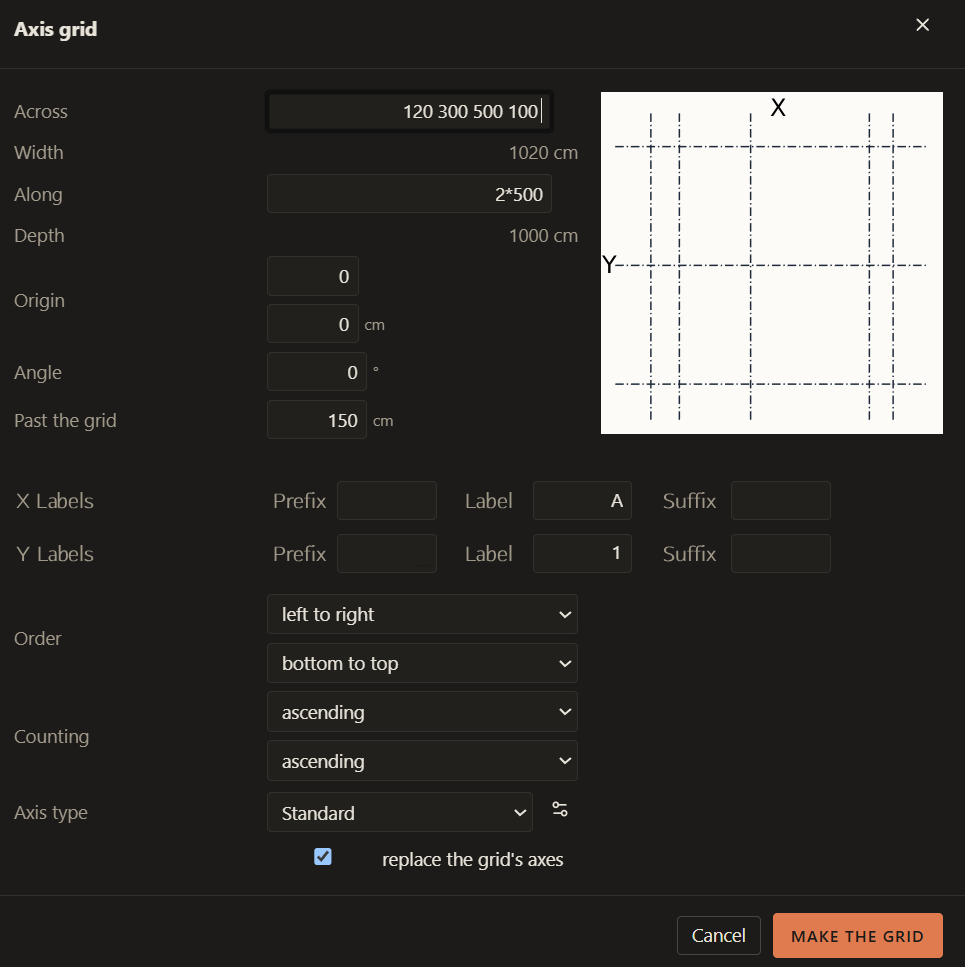
Allow us to also set a suffix or prefix for each axes group separately here, kinda like this:
Perhaps some info when hovering over cells or at the bottom of the window should be (or under a ? button next to the cell) included here that would explain that you can create Axes with distances between them by separating them with spaces and that you can also create equal distance copies by multiplying?
As well as info about what kind of labels we can input that will be counted successfuly