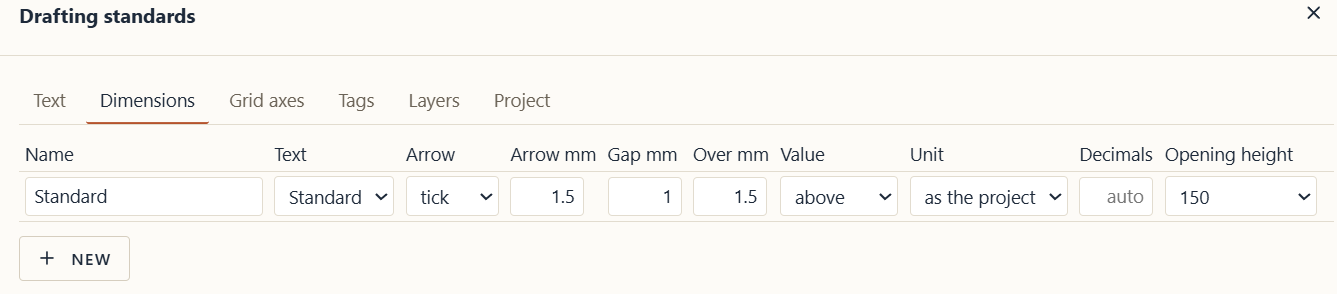
The idea: As in the title, it’d be nice if an ability to suppress trailing zeroes was added.
How it would help my work: It would make the drawings look more tidy, less cluttered
How I do it today: In CAD you can do it, suppress leading/trailing zeroes.
For example here, in the Drafting standards for dimensions it’d could be next to the Decimals: Suppress trailing zeroes: yes/no, as well as in the Project tab